Authentication
The MLdebugger SDK requires authentication to the API server. This page explains how to obtain and configure authentication credentials.
Obtaining Authentication Credentials
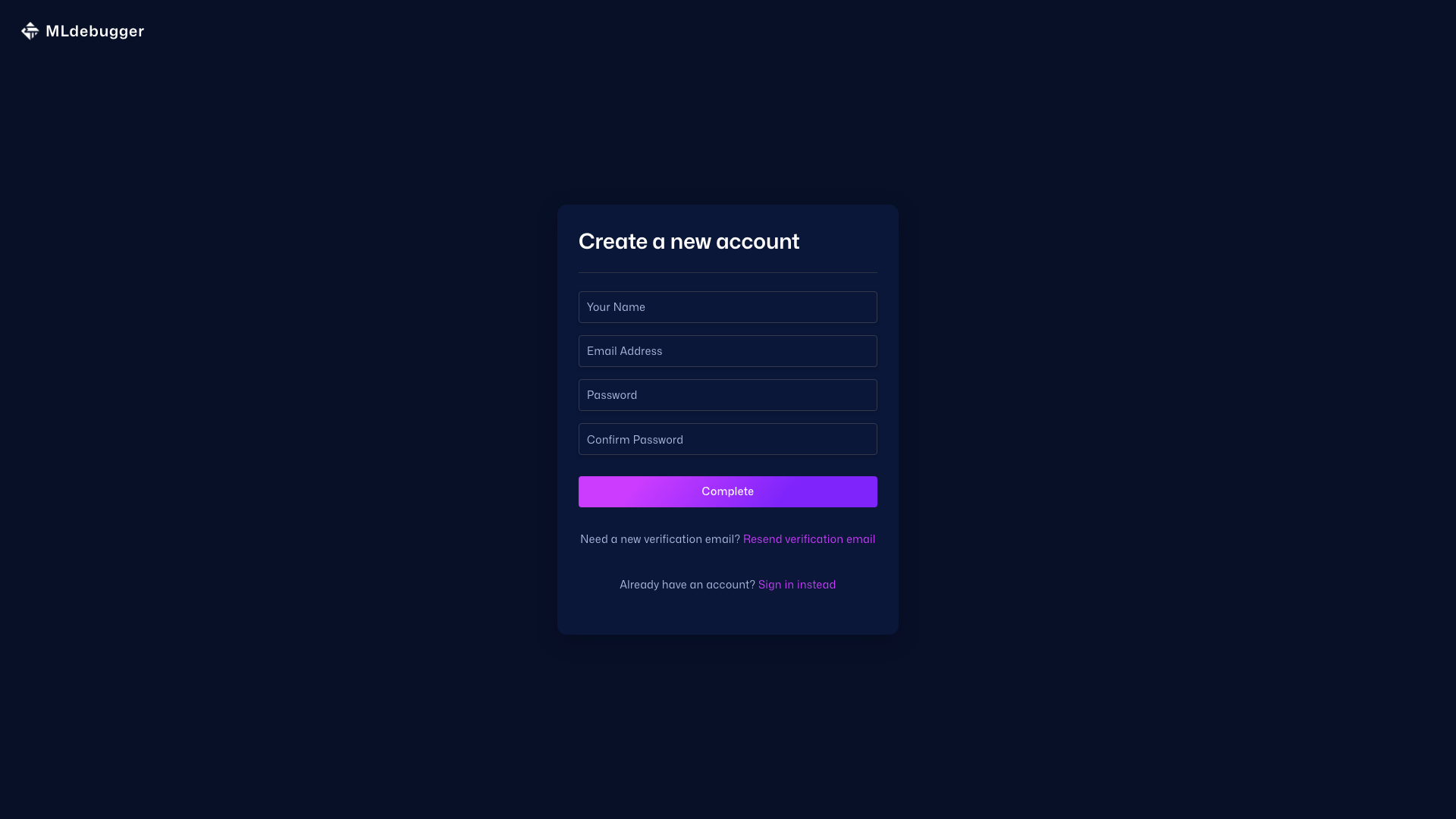
1. Sign Up
Visit app.adansons.ai and create an account.
-
Enter your email address and password to sign up
-
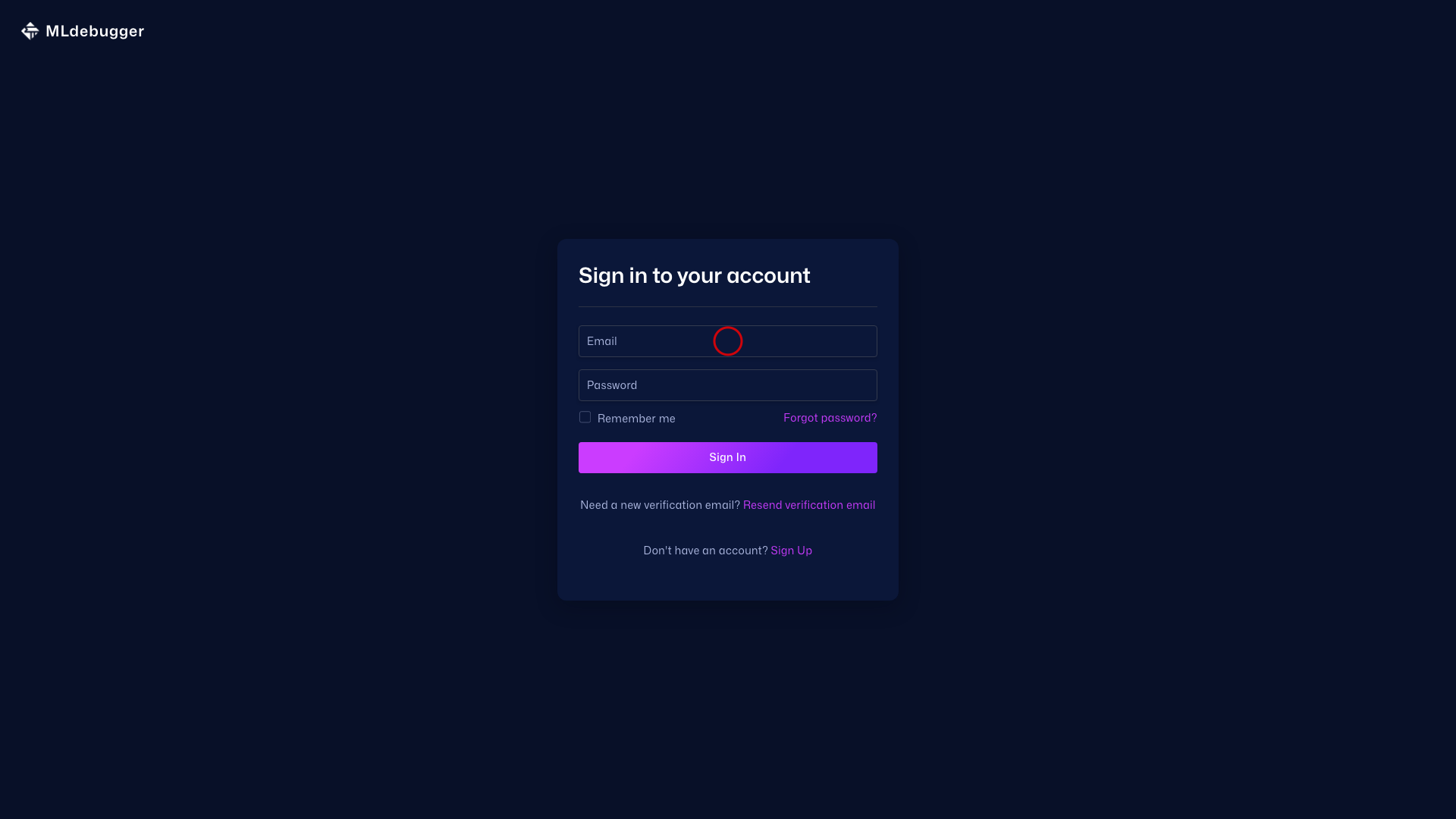
Receive a confirmation email and verify your email address
- After logging in, access the tutorial at app.adansons.ai/tutorial (you are automatically redirected on first login).
2. Generate API Key
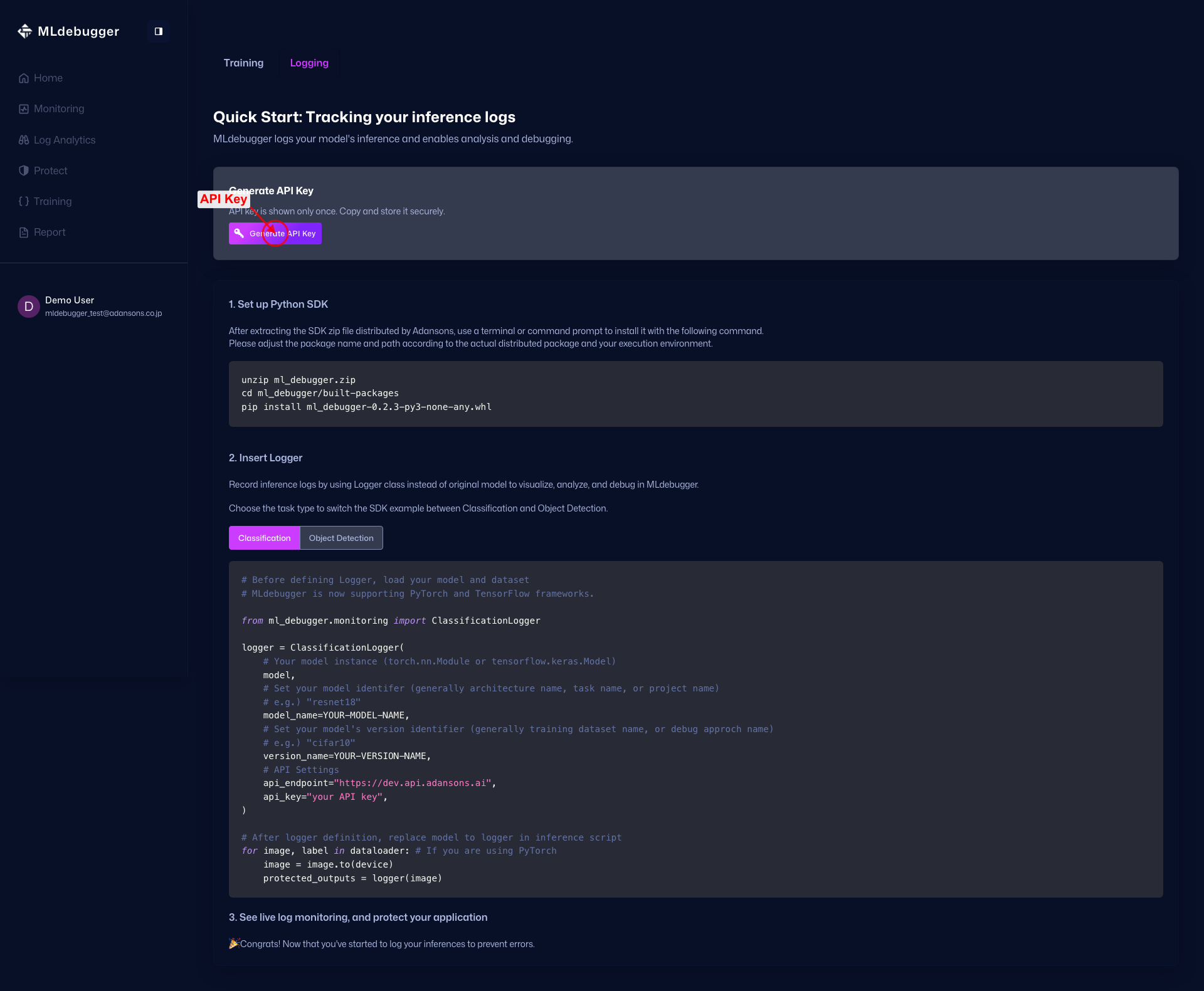
Generate an API Key from the tutorial.
URL: https://app.adansons.ai/tutorial
- Go to the tutorial page
- Click "Generate API Key"
- Copy the generated API Key
Handling API Key
The API Key is confidential information. Do not hard-code it or commit it to public repositories.
Setting Authentication Credentials
Authentication credentials can be configured in the following two ways.
Method 1: Environment Variables (Recommended)
Using environment variables is the safest and recommended method.
export MLD_API_ENDPOINT="https://api.adansons.ai"
export MLD_API_KEY="mldbg_*************"
import os

os.environ["MLD_API_ENDPOINT"] = "https://api.adansons.ai"
os.environ["MLD_API_KEY"] = "mldbg_*************"
# .env
MLD_API_ENDPOINT=https://api.adansons.ai
MLD_API_KEY=mldbg_*************
# Load in Python
from dotenv import load_dotenv
load_dotenv()
Method 2: Direct Specification in Arguments
You can also specify directly in arguments when initializing SDK classes.
from ml_debugger.training import ClassificationTracer

tracer = ClassificationTracer(
    model,
    model_name="my_model",
    version_name="v1",
    api_endpoint="https://api.adansons.ai",
    api_key="mldbg_*************",
)
Priority
Authentication credentials are applied in the following priority:
- Direct specification in arguments - Highest priority
- Environment variables - Used when arguments are not specified
# Example: Only api_key specified in argument, endpoint uses environment variable
tracer = ClassificationTracer(
    model,
    model_name="my_model",
    version_name="v1",
    api_key="mldbg_different_key",  # This value is used
    # api_endpoint uses environment variable MLD_API_ENDPOINT
)
Environment Variable List
| Environment Variable | Description | Required |
|---|---|---|
MLD_API_ENDPOINT |
API server URL | Yes |
MLD_API_KEY |
Authentication API Key | Yes |
Troubleshooting
If Authentication Errors Occur
- Verify API Key: Confirm the API Key is correctly copied
- Check environment variables: Confirm environment variables are correctly set
- Check network: Confirm the API server is accessible
# Check environment variables
import os
print(f"Endpoint: {os.environ.get('MLD_API_ENDPOINT', 'Not set')}")
print(f"API Key: {os.environ.get('MLD_API_KEY', 'Not set')[:10]}...")
Using in Offline Environments
In environments where API access is not possible, you can use the Tracer.export method to export data.
tracer.export("export_data.zip")
You can request evaluation by sending the exported file to the Adansons team.
Next Steps
- Getting Started - Basic usage of the SDK
- model_name / version_name - Detailed explanation of identifiers