Settings
URL: https://app.adansons.ai/settings
Screen Overview
Purpose
This screen manages account information and security settings.
You can review user information, the password reset flow, and the API Key list in a single screen.
Key Features
Switch between the Profile / Security / Notifications / API Keys sections from the left-side menu.
Initial View
This screen is used to configure profile, security, notifications, API keys, and related settings. Click a section on the left to switch views.
Profile
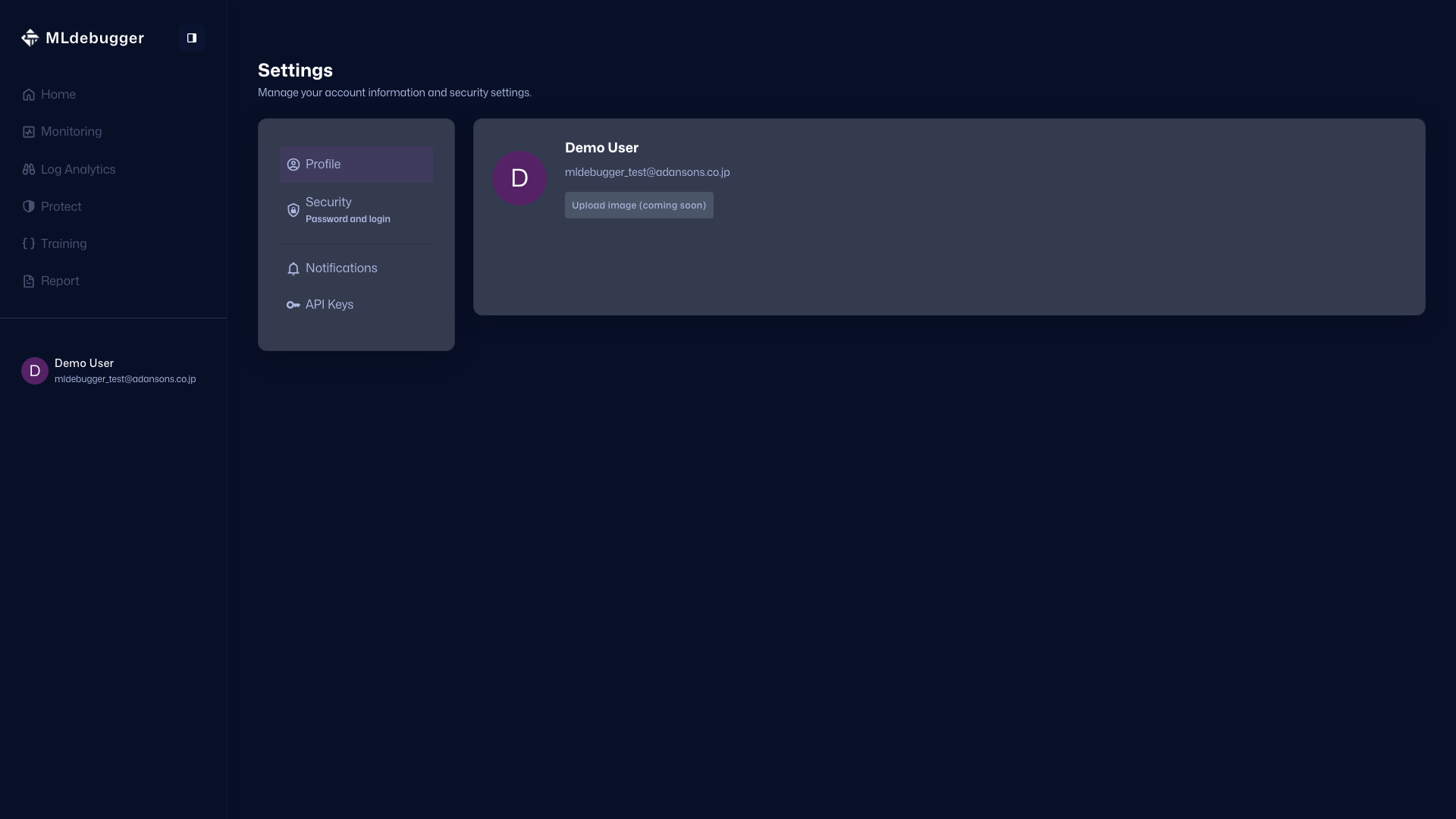
In the Profile section, you can review the avatar, username, and email address. The image upload flow is still under preparation.

Security
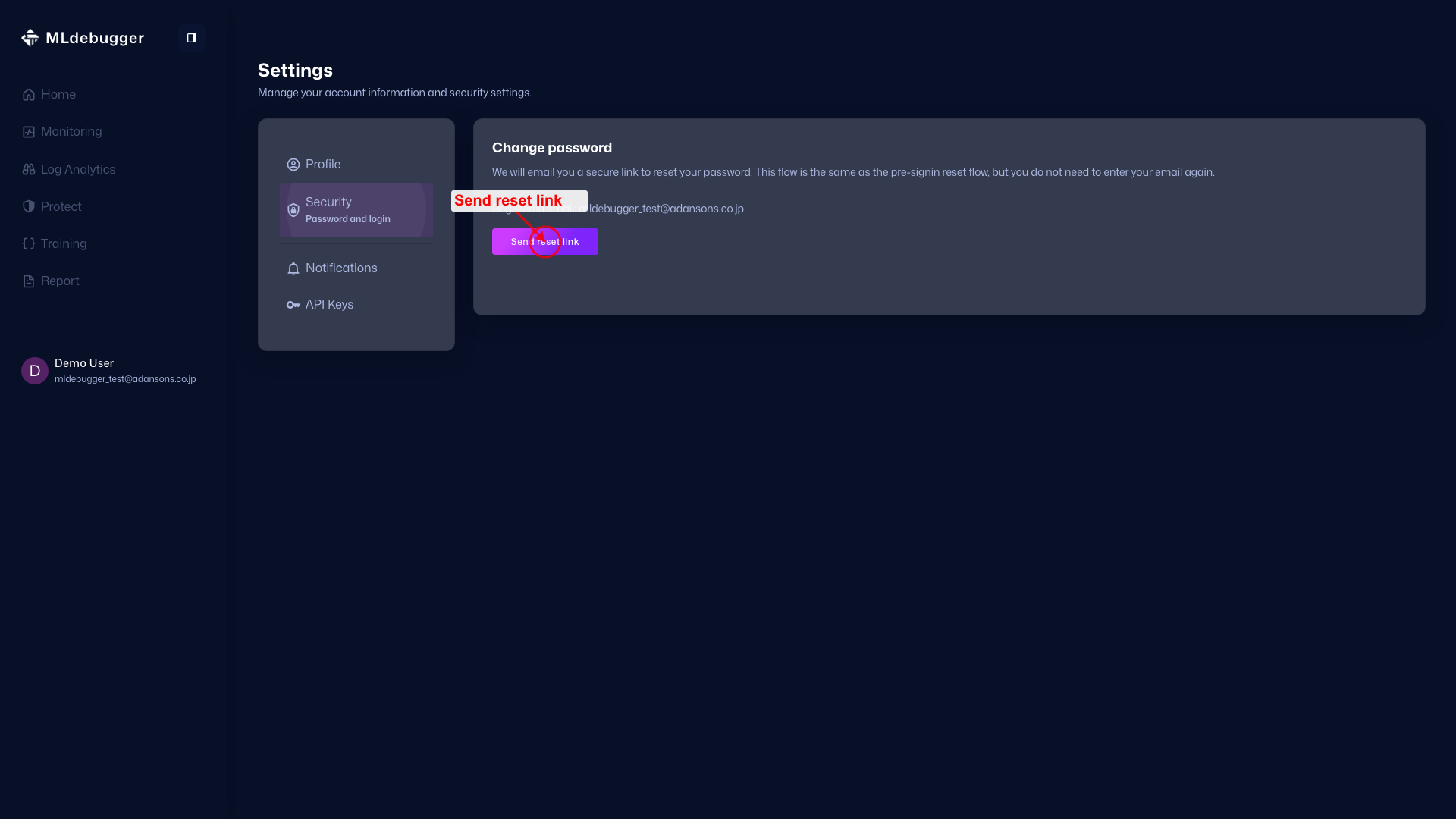
In the Security section, you can send a password reset link to the registered email address. This starts the same reset flow as forgot password and does not require prior sign-in.
Notifications
The Notifications section is currently under preparation, and the notification settings UI will be added later.

API Keys
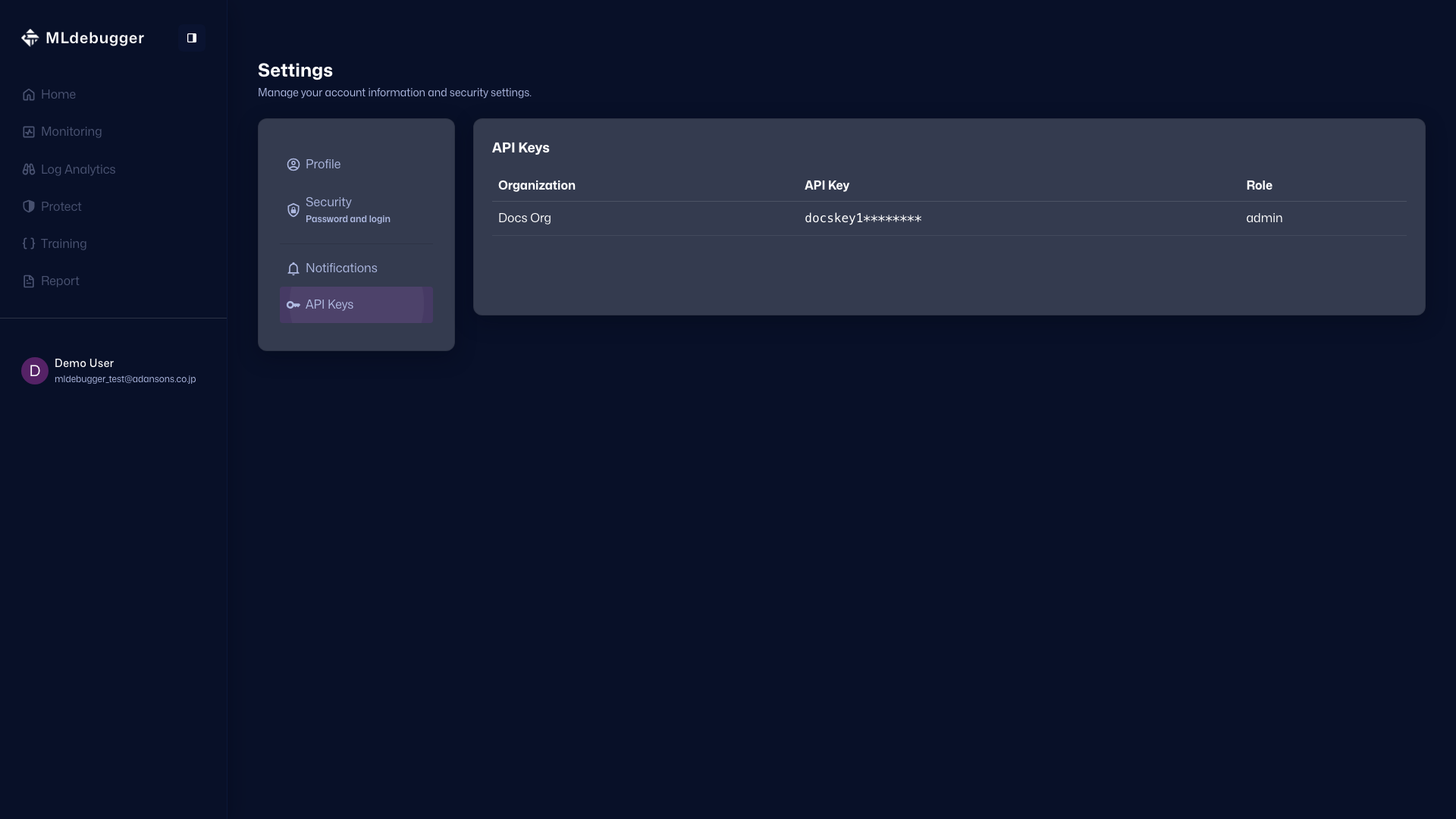
In the API Keys section, you can review the API Key prefixes and roles for each organization. The full key is not shown; only the prefix is displayed.