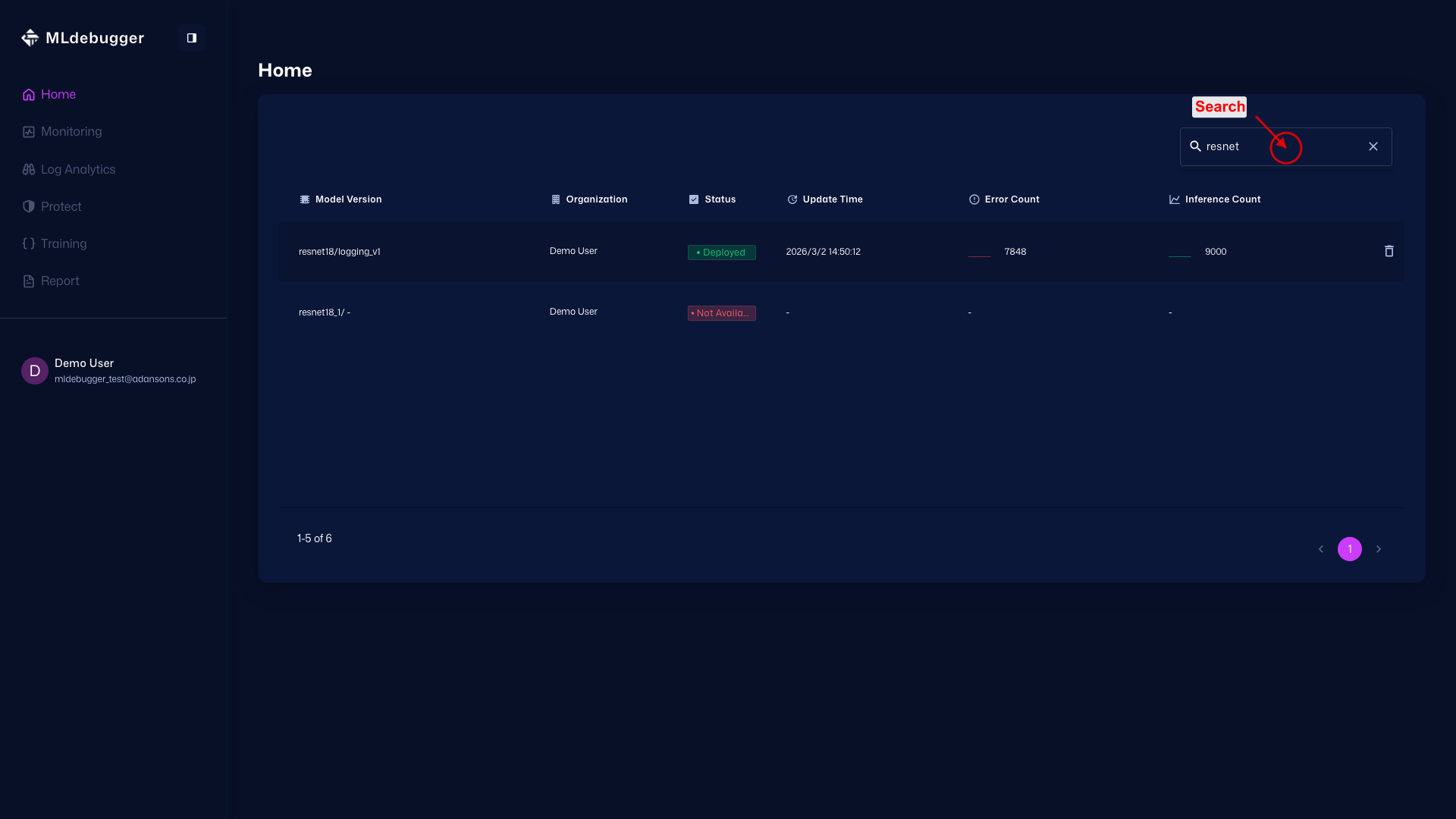
Home (Model List)
URL: https://app.adansons.ai/home
Screen Overview
Purpose
This screen lets you move from the model list to each feature page and check increasing error trends for models in operation.
You can quickly move to Monitoring / Log Analytics / Protect / Training / Report for each model.
Key Features
Use the model row menu, status indicators, sidebar toggle, and profile menu to navigate to major features and perform basic operations. Deployed indicates a model in GT-less operation where SDK log collection is ongoing, while Training indicates a model where GT-based evaluation is complete but GT-less operation log collection has not started yet.
Initial View
Start from the model and version list and move to pages such as Monitoring / Log Analytics / Training / Report.
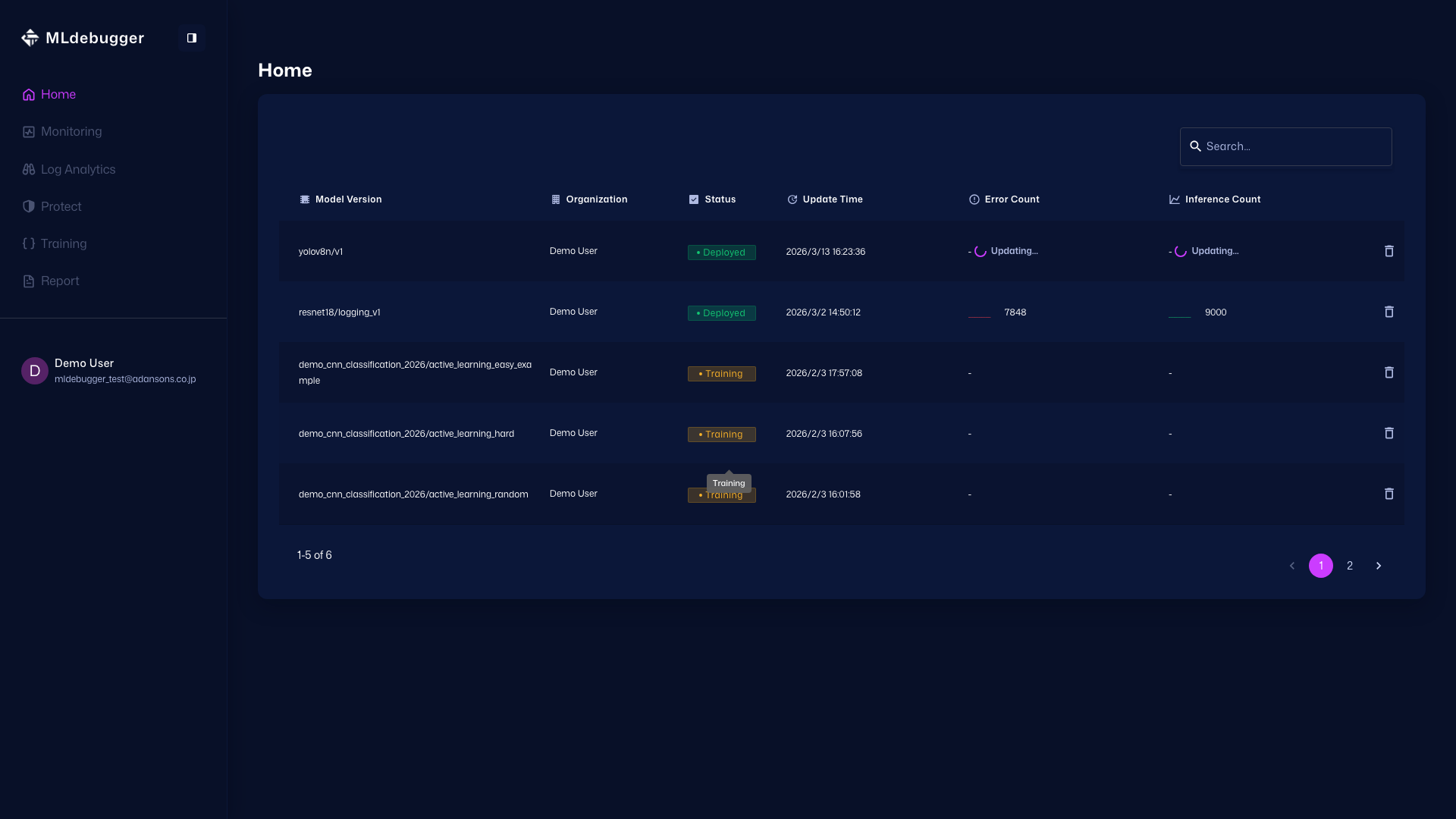
Status Definitions (Deployed / Training)
Deployed indicates that GT-less operation plus SDK-based log collection and evaluation are in progress. Training indicates that GT-based evaluation is complete and GT-less operation log collection has not yet started.
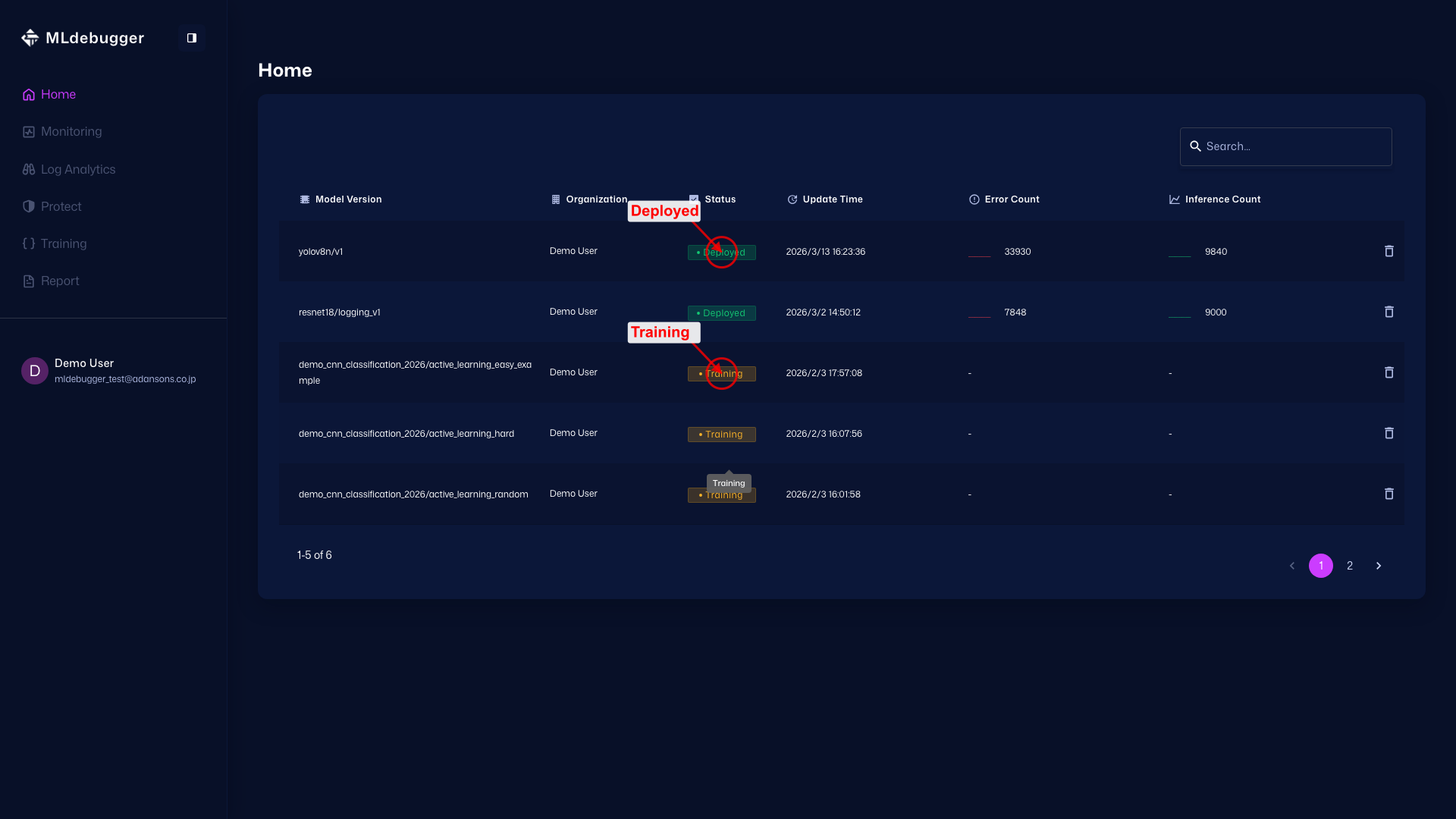
Shortcuts to Each Page
As shown by the red circle, clicking a model name displays shortcut chips for Monitoring / Log Analytics / Protect / Training / Report.