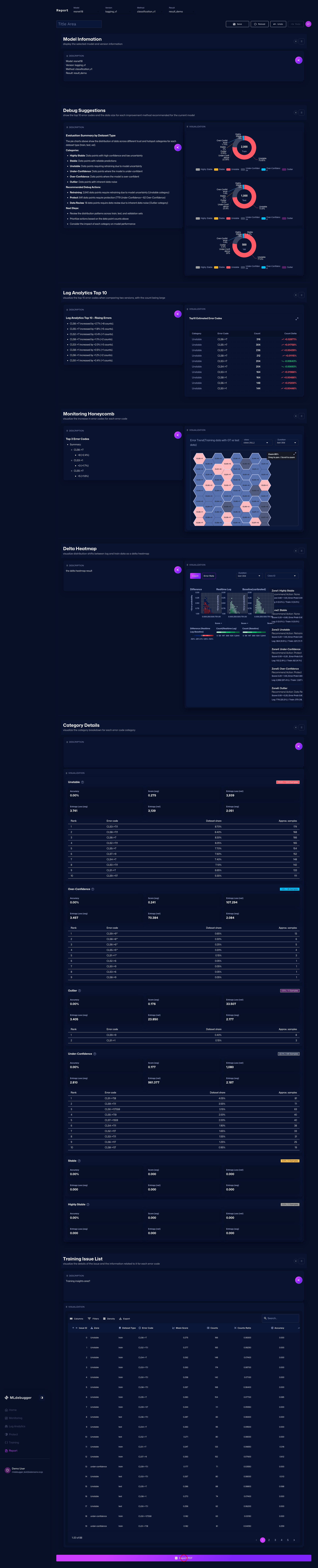
Report (Report Creation / Export)
URL: https://app.adansons.ai/report
Screen Overview
Purpose
This screen organizes evaluation content into a report and exports it.
It prepares evaluation results as shareable documents and outputs them in distributable formats.
Key Features
Edit the report in a Markdown editor and export it as a PDF. Section reordering, AI-assisted writing, and PDF export are available.
Initial View
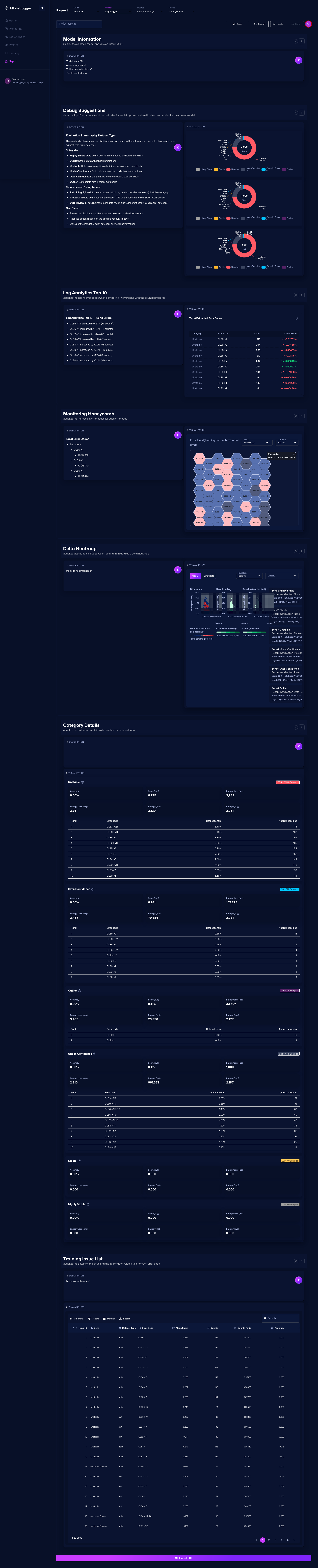
This screen lets you create a report by combining multiple sections and export it in formats such as Markdown or PDF.
Settings:
- Model: resnet18
- Version: logging_v1
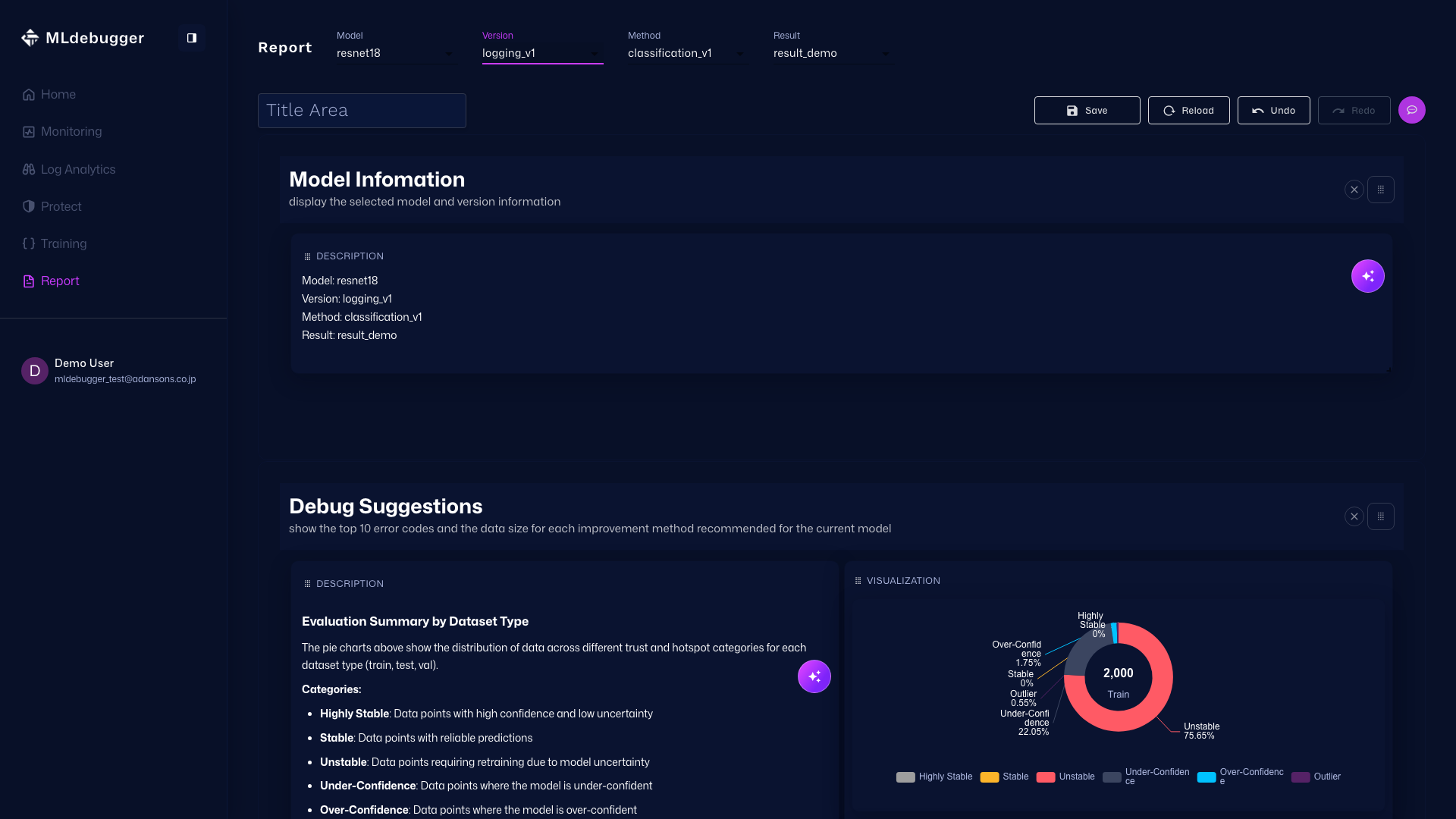
Report Editing Operations
Use Save to save the layout, and Undo/Redo to move through the edit history. These controls are used to restore or confirm edits while working on sections.
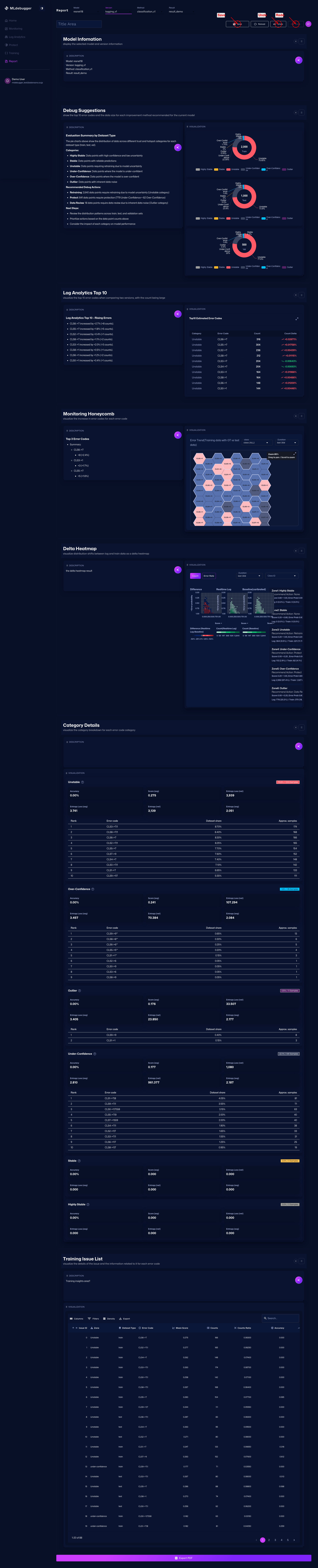
Reordering Sections
You can reorder sections by dragging the handle at the upper right of each section.
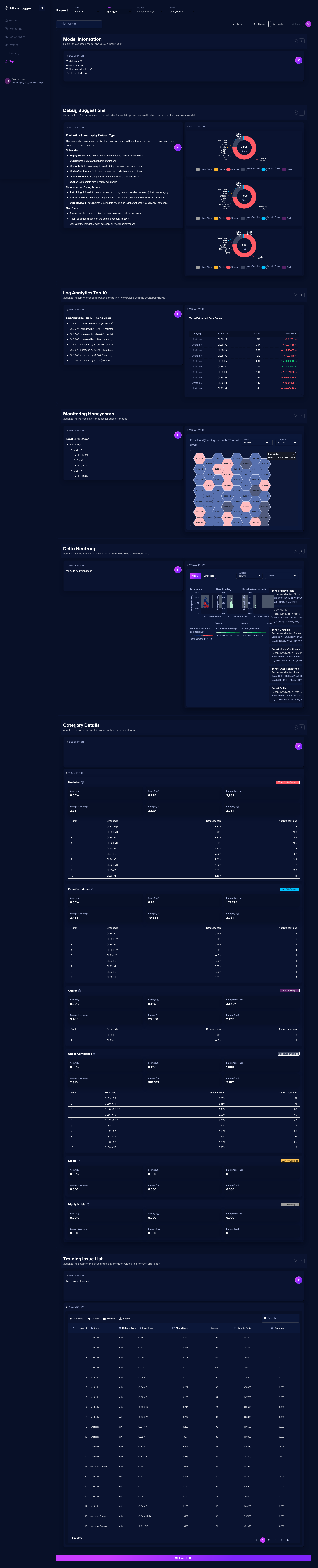
Chat Button
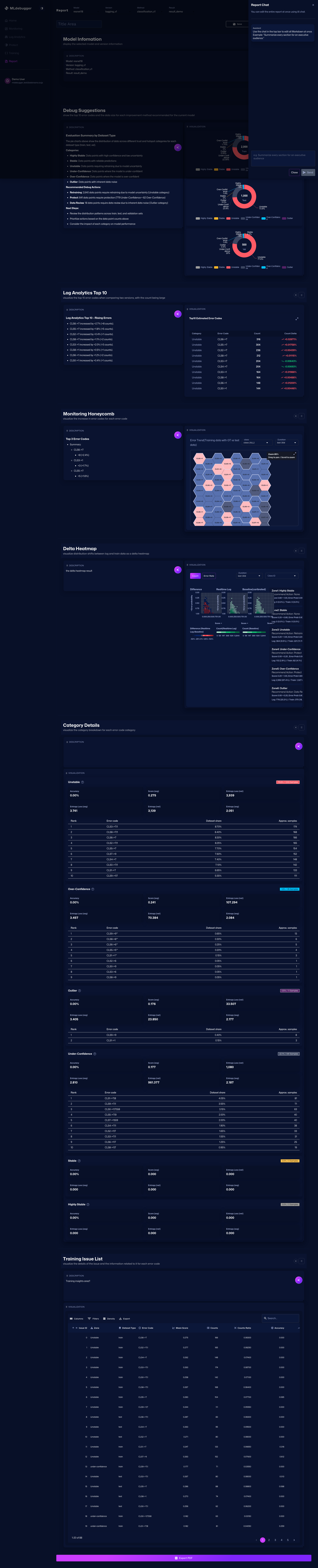
Click the chat button in the upper right to open the chat drawer for report editing.
Chat Drawer
Open the drawer for editing the entire report with AI chat. Enter a prompt in the text field to update all sections at once.
Export PDF
Export the edited content as a PDF. Clicking the button downloads the report as a PDF file.